
Compare UpDock Versions
UpDock is available in three versions: UpDock Free, UpDock+, and UpDock Pro. Choose the version that fits your workflow, your distribution preferences, and the level of power and flexibility you need.
Start with UpDock Free, expand with UpDock+, or go all the way with UpDock Pro.
Mini-docks for every workflow
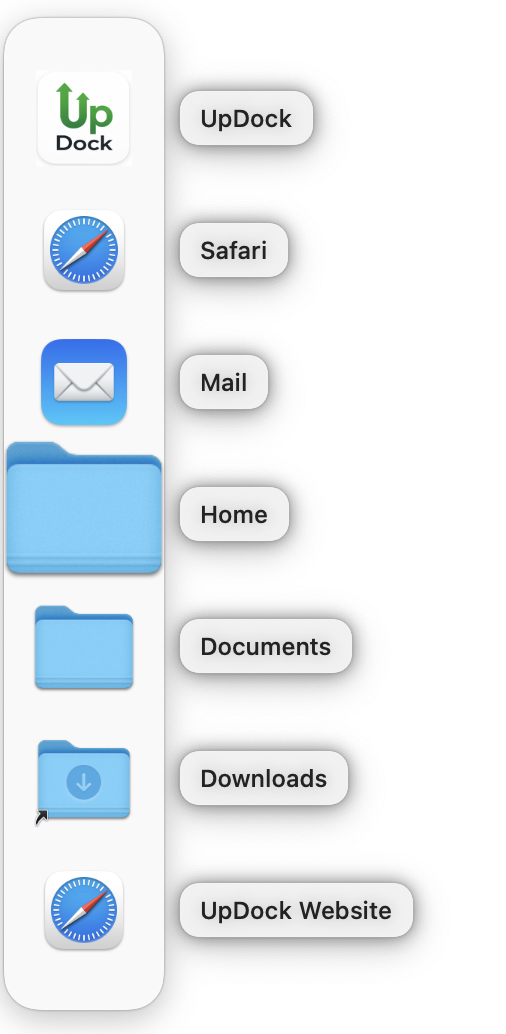
Create focused docks for projects, apps, files, folders, URLs, scripts, and everyday tasks.
Feature Comparison
Compare the features offered in each UpDock version to find the version that's right for you.
| Feature | UpDock Free | UpDock+ | UpDock Pro |
|---|---|---|---|
| Availability | App Store | App Store | Direct download |
| Sandboxed | Yes | Yes | No |
| Mini-dock limits | Limited | Expanded | Full |
| Item limits per mini-dock | Limited | Expanded | Full |
| Customization | Basic | More complete | Full |
| Import / Export | Available / limited as applicable | Available | Full |
| Shared dock downloads | Yes | Yes | Yes |
| AppleScript support | Available as applicable | Available | Full |
| Advanced AppleScript / external workflow flexibility | Limited by sandbox | Limited by sandbox | Broadest support |
| Best for | Trying UpDock | Most App Store users | Power users and automation-heavy workflows |
Why the versions differ
UpDock Free and UpDock+ are distributed through the App Store and must operate inside Apple’s sandbox model. UpDock Pro is distributed directly and is designed for users who need the broadest capabilities and fewer platform restrictions.
That means the differences are not just about “more” or “less” — they also reflect real platform constraints and workflow needs.
Choosing the right version
- Choose UpDock Free if you want to try the app with a lighter feature set.
- Choose UpDock+ if you want a stronger App Store version with most limits removed.
- Choose UpDock Pro if you want the full version and the fewest workflow restrictions.
Ready to pick your version?
Go to Downloads to choose UpDock Free, UpDock+, or UpDock Pro.